
Archive for June 2025
How to Use the Automated Development Site Setup
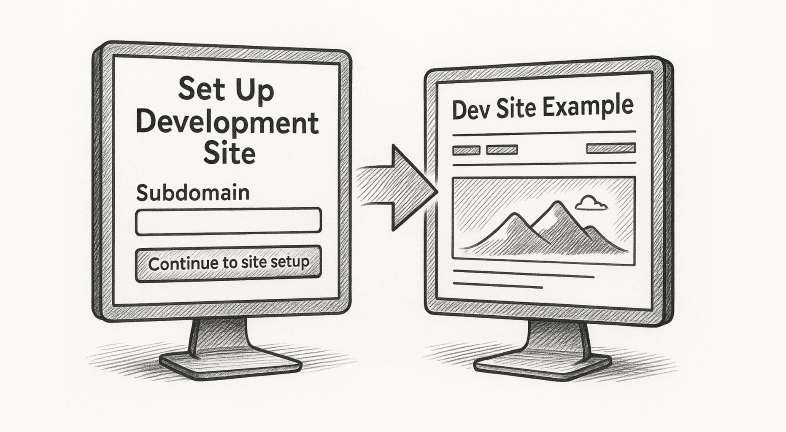
Step 1: Navigate to the Setup Page Go to: https://livebuilder.net/setup-dev-site-with-automation/ 🔒 Note: This page is password-protected.Use the following password to access the form: PageBuild When you sign in, you’ll see two forms on the same page: When you sign in, you’ll see two forms on the same page: Step 2: Start with the Subdomain Form…
Read MoreUsing an IP Address to Access a Dev Site
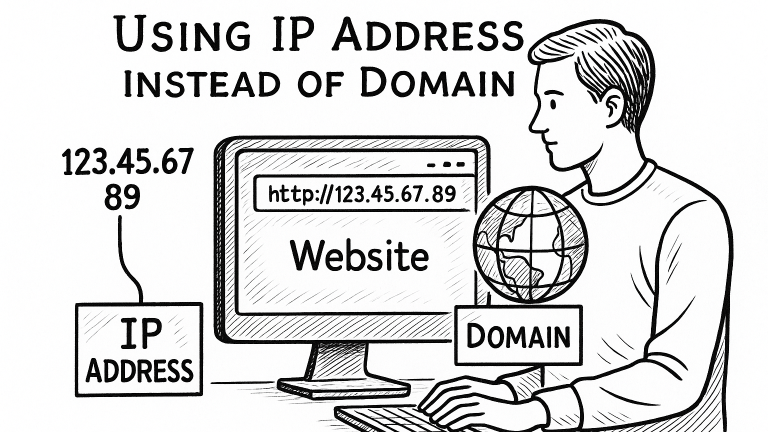
Log in to your hosting cPanel. Enter the hosting username and password provided by your hosting provider. Locate the Server’s IP Address In cPanel, go to the right-hand sidebar and look for “General Information” or “Server Information.” Upload Your Site Files to the Server Navigate to the File Manager in cPanel. Go to the folder…
Read More