
Posts by Shanda
GHL – How to Send CLient Agreement for their Signature
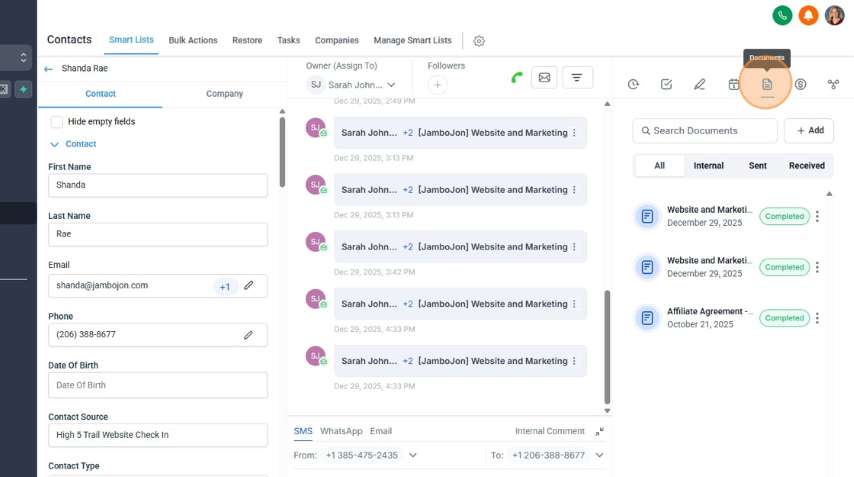
GHL – How to create an Agreement Template
How to do the Payroll
Adding Theme and Tagline excerpt to Compass Newsletter page

Start at a Newsletter page, or create a new one Scroll down to Custom Fields. Select the “excerpt” option.Click the “Value” field.Type “<strong></strong><br/>”Switch to tab Taglines and Teasers – Google Docs”Copy the ThemeSwitch to tab Edit Page “October 2024” ‹ JamboJon — WordPress”Click the “Value” field. Paste the Theme in the center of the <strong></strong>…
Read MoreLink Cloudflare with WP Rocket API Key
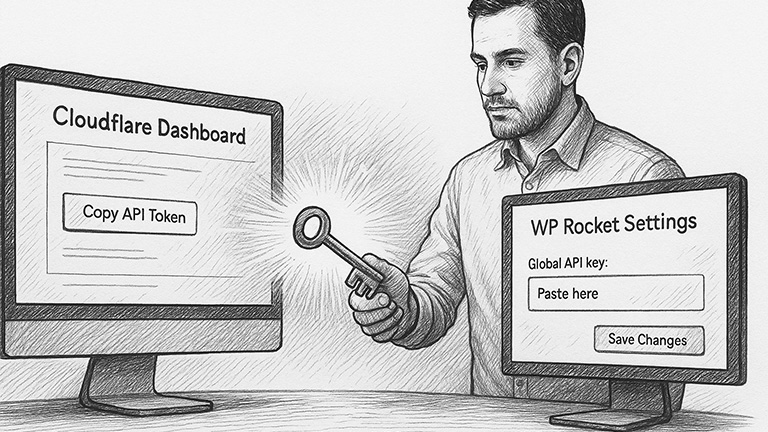
Start at WordPress Dashboard In WordPress Dashboard, hover over WP Rocket and click “Settings”Click “Add Ons”Toggle Add-on Status to OnClick “Modify options”Switch to tab Cloudflare Dashboard | Manage Your Account”Click “Profile” x 2Click “API Tokens”Click “View” x 2Click “Click to copy”Switch to tab WP Rocket ‹ WordPressClick the “Global API key:” field and paste the…
Read MoreEnable HSTS for Your Cloudflare Domain

Start at Dashboard Click “SSL/TLS” tab on left hand menuClick “Edge Certificates”Scroll down to HTTP Strict Transport Security and Click “Enable HSTS”Click the “I understand” checkbox.Click “Next”Click Enable HSTS toggle.Click Preload toggle.Click No-Sniff Header toggle.Click “Save” Slideshow of steps:
Read MoreHow to Set Up Cloudflare for a Domain
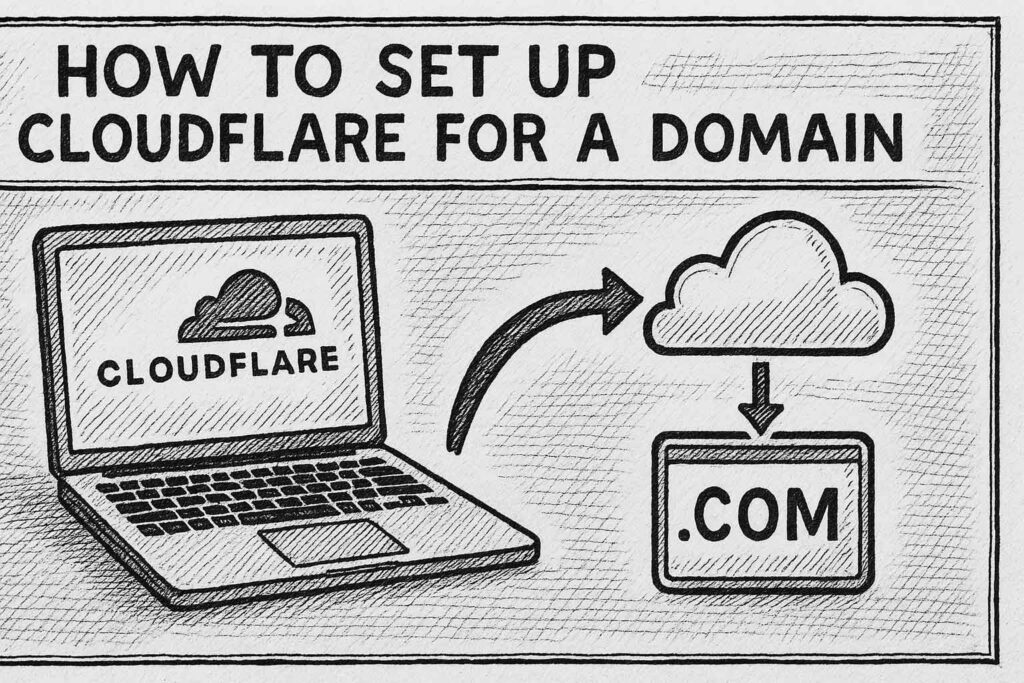
Log in to or Create a Cloudflare account for the client On the Account Home tab, Click “Add a domain”Chose “Quick scan for DNS records. Click “Continue”Type the domain in the “Enter an existing domain” field.Click “Continue”Select a PlanClick the checkbox to select all scanned DNS records.Click “Continue to activation” Log in to your Domain…
Read More