
Posts by sjohnson
Taxes – Avalara (NEEDS TEXT)

PayPal (NEEDS TEXT)

Stripe (NEEDS TEXT)

Square (NEEDS TEXT)
Setting up Quickbooks with MyWorks Plugin
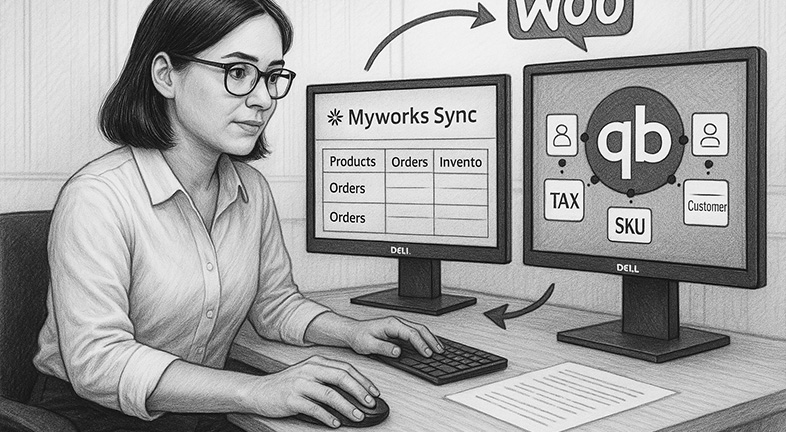
To use MyWorks plugin to connect wooCommerce and Quickbooks, you need to have quickbooks access to their software. If they are using QB Online, you can sign them up for a free “Launch” starter with up to 20 orders per month, once they exceed that they will need to upgrade to a higher version. Before…
Read MoreShipStation Notes
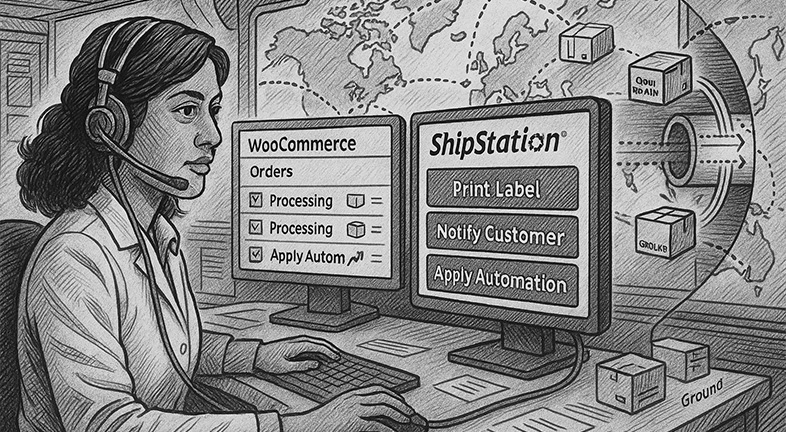
SS = ShipStation If you have SS set up a carrier account, you have to add funds to a balance. You won’t get billed weekly, biweekly or monthly. You also have to pay for your own labels and materials. If you have your own carrier account, UPS labels came free for Chris. WooCommerce talks to…
Read MoreIntegrating WooCommerce with PirateShip
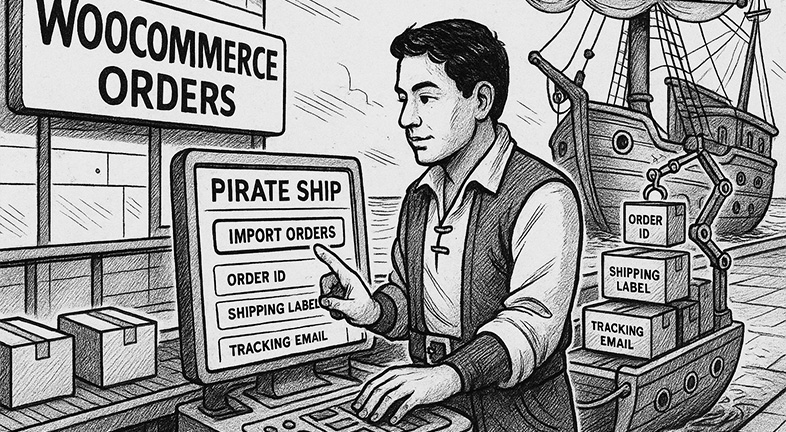
(from PirateShip’s website) Minimum requirements: Here’s how to connect Pirate Ship to WooCommerce: Once your WooCommerce store is connected: Click back to the “Ship” page in Pirate Ship and you’ll see a new option: “Import from WooCommerce”. From here you’ll see all of the orders in your store that have the “Processing” status. Pirate Ship…
Read MoreCreating Shipping Classes, Zones, and Methods for an Online Store WooCommerce

Purpose To provide a clear step-by-step process for setting up shipping zones, methods, and classes in WooCommerce so store owners can define accurate shipping costs based on customer location and product type. Estimated Time Step-by-Step Instructions Step 1: Access Shipping Settings Step 2: Create a Shipping Zone Step 3: Add a Shipping Method Step 4:…
Read MoreImporting Product data into a WooCommerce Shopping Cart (NEEDS TEXT)
Setting up Quickbooks with MyWorks Plugin
To use MyWorks plugin to connect wooCommerce and Quickbooks, you need to have quickbooks access to their software. If they are using QB Online, you can sign them up for a free “Launch” starter with up to 20 orders per month, once they exceed that they will need to upgrade to a higher version. Before…
Read More