
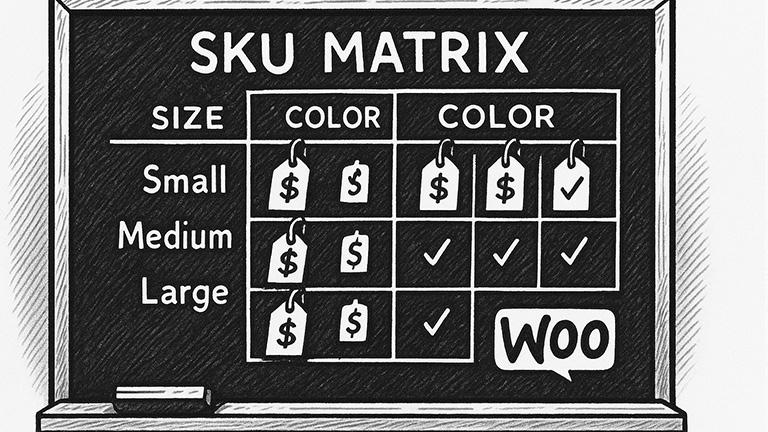
How to Add Attributes & Variations to a WooCommerce Product
Shipping – Ship Station
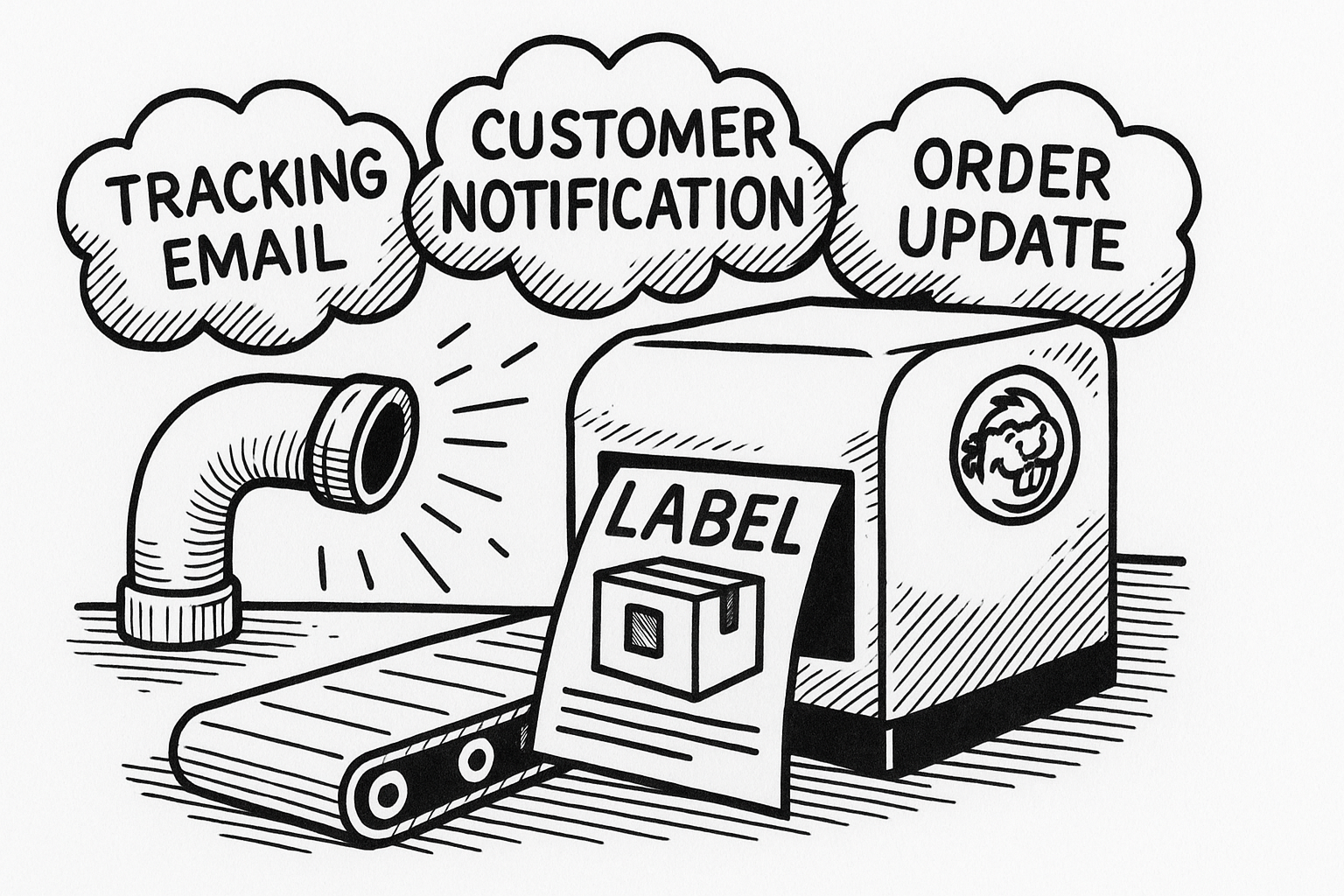
SS = ShipStation If you have SS set up a carrier account, you have to add funds to a balance. You won’t get billed weekly, biweekly or monthly. You also have to pay for your own labels and materials. If you have your own carrier account, UPS labels came free for Chris. WooCommerce talks to…
Read MoreIntegrating WooCommerce with PirateShip
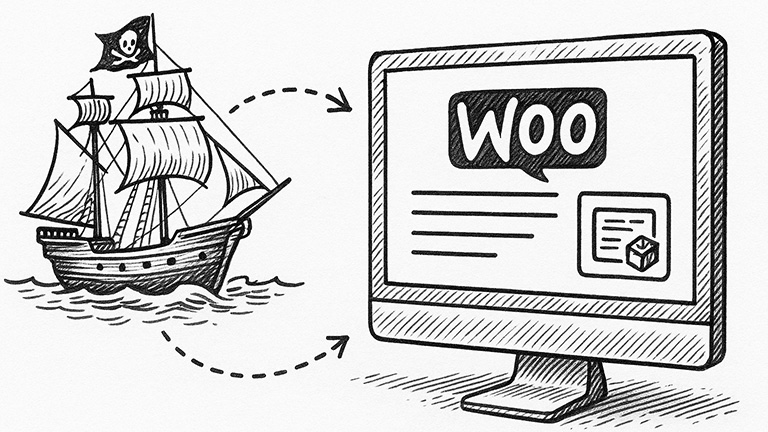
(from PirateShip’s website) Minimum requirements: Here’s how to connect Pirate Ship to WooCommerce: Once your WooCommerce store is connected: Click back to the “Ship” page in Pirate Ship and you’ll see a new option: “Import from WooCommerce”. From here you’ll see all of the orders in your store that have the “Processing” status. Pirate Ship…
Read MoreSettings for Subscriptions that Renew

Using BB in Safe Mode to Troubleshoot Errors

How to Create and Edit a Global Template in Elementor

Add your global template to a new page When you need to edit the template:
Read MoreKeap Forms in a Landing Page – Create and Manage Landing Pages
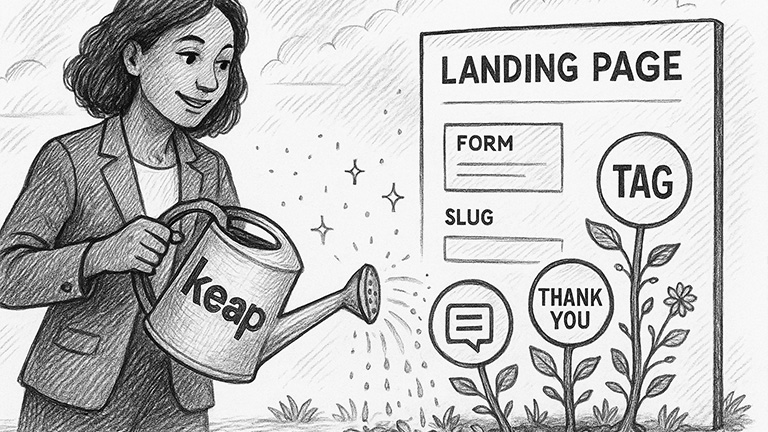
*Embedding a Keap Landing Page Form as opposed to Embedding the form itself allows for a Thank you page URL after submitting Create a new landing pageGo to Marketing > Landing Pages Share your published landing page Edit a landing page New edits to an existing landing page can take 15-30 minutes to appear on…
Read MoreAdding SEO with Yoast to Pages

WordPress & Plugins
Links:
Read MoreHow to install Sensei and Create Your First Course

Source: (copied from Sesei documentation: https://senseilms.com/docs/) Installing Sensei: Log into your WordPress admin panel and go to Plugins > Add New. Enter Sensei LMS into the search field. Once you’ve located the plugin, click Install Now. Click Activate. The setup wizard appears, which will walk you through some fundamental configuration tasks: Creating the first course:…
Read More