
Uncategorized
Setting up Woo Commerce

General Tab Products Tab (step 20) Tax Tab Shipping Tab Accounts and Privacy Tab (Step 44)
Read MoreSetting up Quickbooks with MyWorks Plugin
To use MyWorks plugin to connect wooCommerce and Quickbooks, you need to have quickbooks access to their software. If they are using QB Online, you can sign them up for a free “Launch” starter with up to 20 orders per month, once they exceed that they will need to upgrade to a higher version. Before…
Read MoreSign Up and Configure hCaptcha

Sign Up and Configure hCaptcha
Read MoreSet Up Google Analytics Tracking

Updating text inside Beaver Builder

How to add Captcha to Formidable Forms
If you are using reCaptcha If you are using hCaptcha
Read MoreHow to Set Up Recaptcha
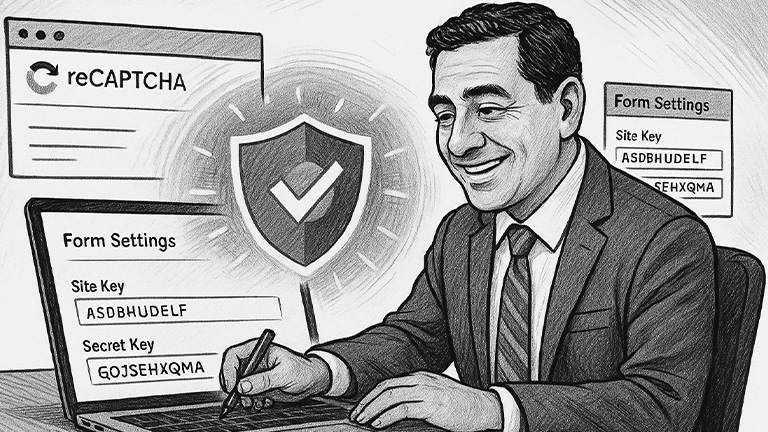
Source: https://help.salesforce.com/s/articleView?id=sf.workdotcom_quemgmt_set_up_captcha_googlekeys.htm&type=5 Get the Site Key and Secret Key from ReCaptcha Go to the reCaptcha Admin Console and enter your Experience Cloud site’s information. Generate a site key and secret key to create your customized reCaptcha authentication. Required Editions and User Permissions Available in: Lightning Experience Available in: Enterprise, Performance, Unlimited, and Developer editions User Permissions Needed…
Read MoreCreate a Formidable Form
Create a Formidable Form Alternatively:
Read MoreWeb How to Tips

QUIZZES TRYINTERACT
Read MoreBeaver Builder Set Up
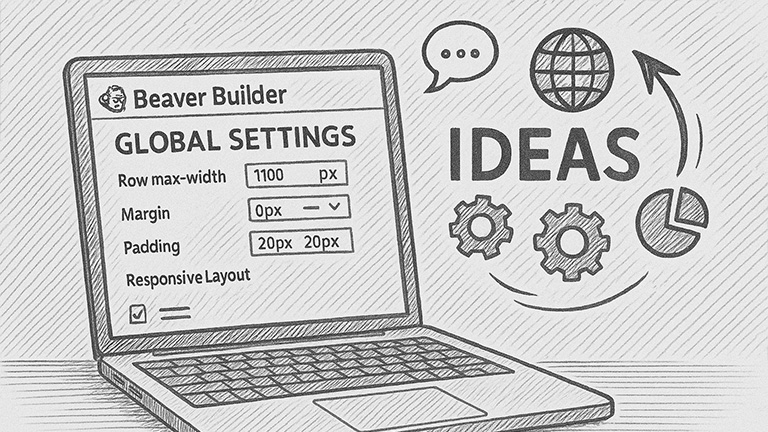
(copied from Beaver Builder documentation: https://docs.wpbeaverbuilder.com/beaver-builder/) Install Activate your license Global Settings Global Settings lets you to configure default values for options such as row max-width, margin/padding, breakpoints, and custom code (CSS & JavaScript) which are then applied globally on your site. You can override the majority of these settings on a per row, column…
Read More