
Uncategorized
Onboard a New Contractor – How to Create a New Contractor Email

Onboard a New Contractor – Welcome Email
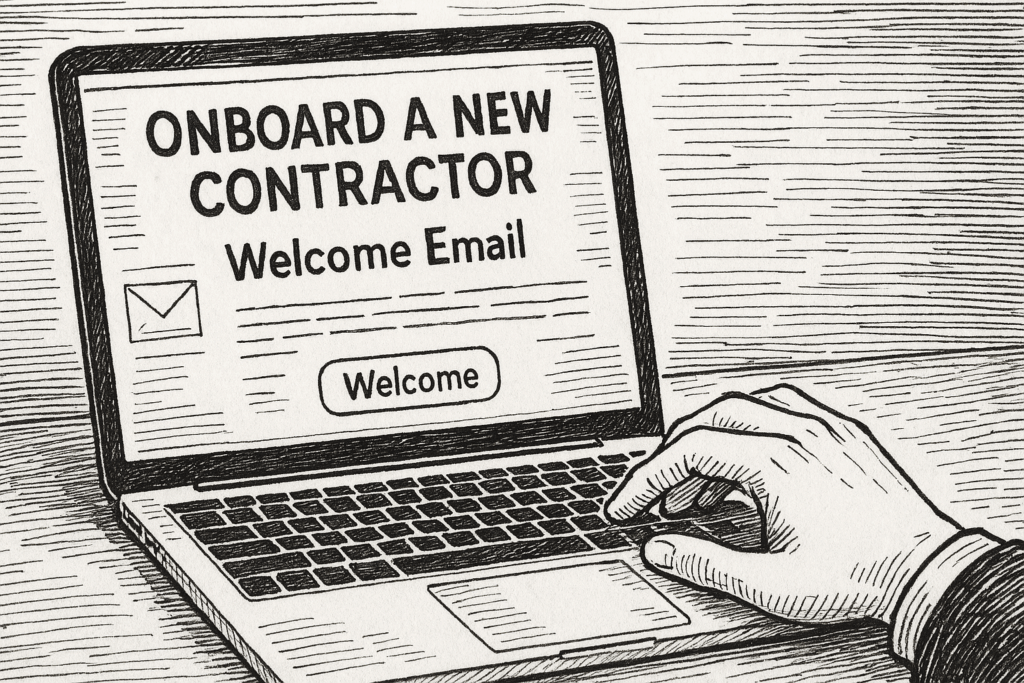
Hi {First Name}! Welcome to the team! We are so excited to have you on board. Please review the following email. There is quite a bit of logistical work that needs to be done this week before we can get started. We are delighted to have you!
Read MoreOnboard a New Contractor – W-9

W-9 Process:
Read MoreOnboard a new contractor – Create a Direct Deposit Payment
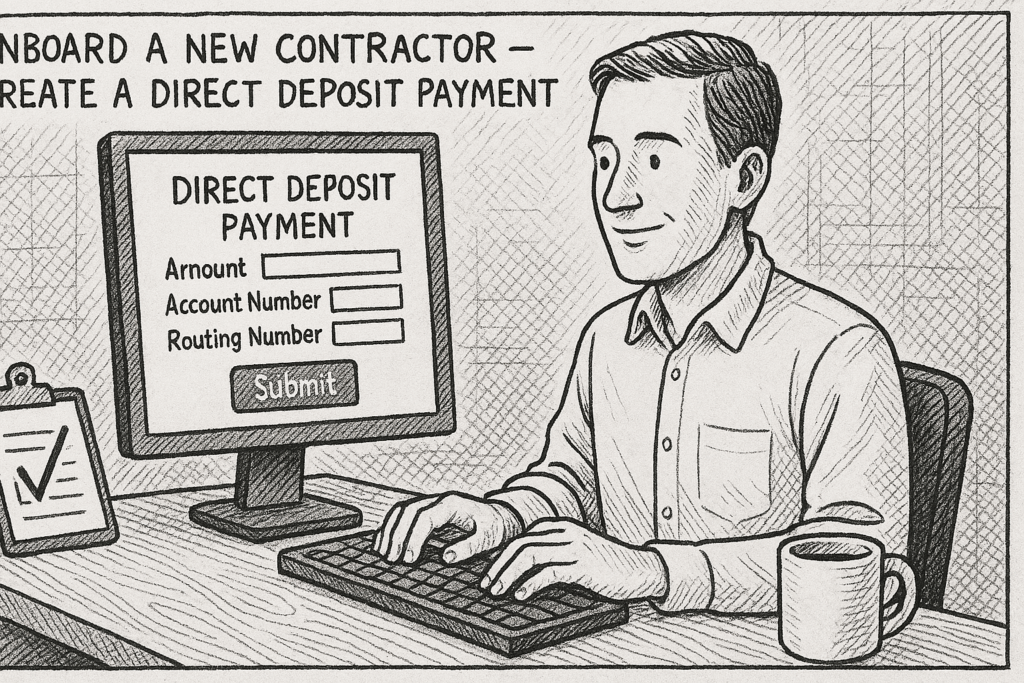
To Create a Direct Deposit:
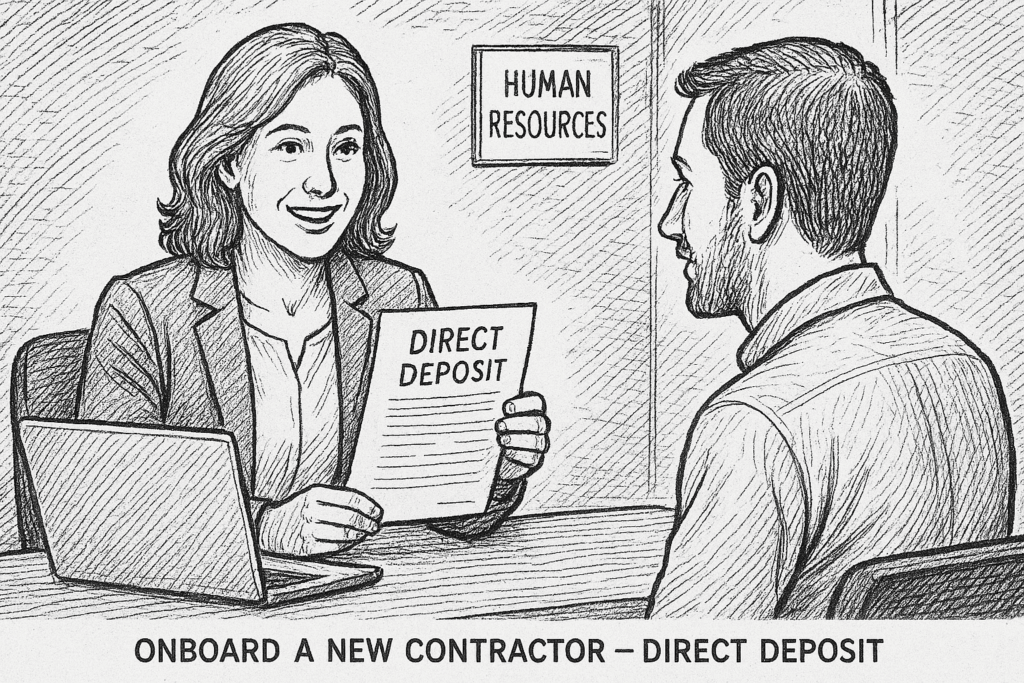
Read MoreOnboard a New Contractor – Direct Deposit
Onboard a new contractor – Create a new contractor agreement

Hows and Whys of JJ Newsletter Strategy

JamboJon is elbowing its way through the gnarled world of digital communication with a proven newsletter strategy that not only connects with our audience, but also shares unique insights and inspires action. Why a Newsletter? Newsletters act as a powerful conduit, enabling us to bridge the gap between our company and our clients. In it,…
Read MoreDynamically Auto-Selecting a Form Field Based on the Active Page

Important Notes: Identify the Target Form and Field ID Create the Page-to-Value Mapping Define a mapping between page slugs and dropdown field values. Each slug corresponds to a specific dropdown option. Add the Custom PHP Code Access your WordPress installation using one of the following methods: Option A: Using SSH with a Code Editor Option…
Read MoreDynamic Phone Number Display

Accessing the function.php file If you have SSH access to the server, editing the files using a code editor program like Visual Studio Code (VSC) is highly recommended for efficiency and convenience. Important Notes Here’s how you can proceed: Option 1: Accessing the Files Remotely via SSH Obtain SSH Credentials Connect to the Server Navigate…
Read MoreCreating a new course with Sensei LMS

1. Setting up the Course 1.1 Accessing Sensei LMS 1.2 Creating a New Course 1.3 Configuring Course Settings 2. Creating Lessons 2.1 Adding Lessons 2.2 Structuring Lessons 2.3 Reordering Lessons 3. Adding Content 3.1 Using the Content Editor 3.2 Uploading Files 3.3 Previewing Lessons 4. Creating a Quiz 4.1 Adding a Quiz 4.2 Adding Questions…
Read More