
How to Program the JJ Newsletter & Add It Online

The JamboJon newsletter has become a staple! It’s a branded landing page, a community connection tool, and a consistent reflection of our company as a go-to expert in website development and marketing. This article outlines the steps to take once the newsletter has been written, edited, and approved. Step 1: Start With WordPress Step 2:…
Read MoreAccess to instagram and fb on mobile

We need to set up a different way for multiple administrators to have access to an Instagram account. I finally figured it out (I think), and the way to do it is through “Meta Business Suite.” It is a separate app that you will need to download to your phone, and you will sign in…
Read MoreHow to add a new user to FB and instagram

Go to Meta Business Suite on a computerhttps://business.facebook.com/ At the bottom left click on Settings A side menu will come up on the left side at the top it says “Users”choose “People”On the right side there is a blue button that says “+ Invite People” You must have the user’s email address that their social…
Read MoreHOW We Do Social Media at JamboJon
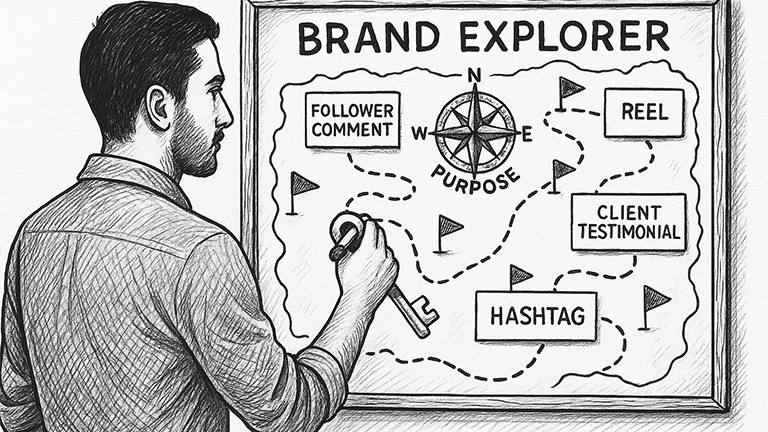
At JamboJon, we approach social media with a specific strategy: brand consistency and connection. We don’t post just to fill the space. Each post has a purpose. It reflects who we are, who we serve, and where we’re going. This guide will walk you through our platforms and planning tools. As you delve into the…
Read MoreCreate a Constant Contact Campaign

Create a Constant Contact Campaign Step 1: Create the Newsletter “Done”: Step 2: Schedule the newsletter emails.
Read MoreHow to Choose Stock Images that Fit Your Brand, Story, and Product

How to Choose Stock Images that Fit Your Brand, Story, and Product ᴭ The Big Truth “Stock images aren’t decorations — they are promises.” Every image you choose silently tells customers what to expect.Choose carefully! ✰ Quick Checklist for Choosing the Right Image 🏫 Brand Archetype Quick Guide Archetype Image Style Hero Bold, powerful, action-focused…
Read MoreAdding Theme and Tagline excerpt to Compass Newsletter page

Start at a Newsletter page, or create a new one Scroll down to Custom Fields. Select the “excerpt” option.Click the “Value” field.Type “<strong></strong><br/>”Switch to tab Taglines and Teasers – Google Docs”Copy the ThemeSwitch to tab Edit Page “October 2024” ‹ JamboJon — WordPress”Click the “Value” field. Paste the Theme in the center of the <strong></strong>…
Read MoreHows and Whys of JJ Newsletter Strategy

JamboJon is elbowing its way through the gnarled world of digital communication with a proven newsletter strategy that not only connects with our audience, but also shares unique insights and inspires action. Why a Newsletter? Newsletters act as a powerful conduit, enabling us to bridge the gap between our company and our clients. In it,…
Read MoreHow to Connect Google Calendar to Teamwork
Google calendar on teamwork: Access ‘My Calendar’: Connect to Google Calendar: Teamwork to Google Calendar: Generate the iCal Feed in Teamwork: Add the iCal Feed to Google Calendar:
Read MoreHow to View Teamwork Calendar in Google Calendar
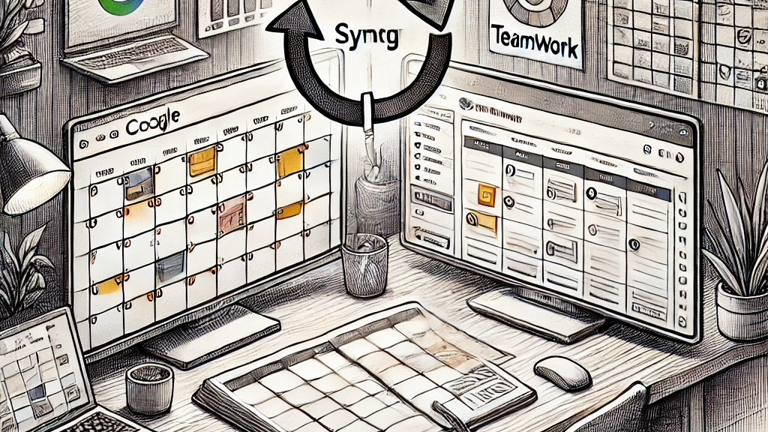
To view your Teamwork Calender events within Google Calender, you will need to subscribe to the iCal feed. To do this: 1. Generate the iCal Feed in Teamwork: 2. Add the iCal Feed to Google Calendar: This method allows you to view your Teamwork calendar events within Google Calendar. However, please note that you cannot…
Read More