
How to Use the Automated Development Site Setup
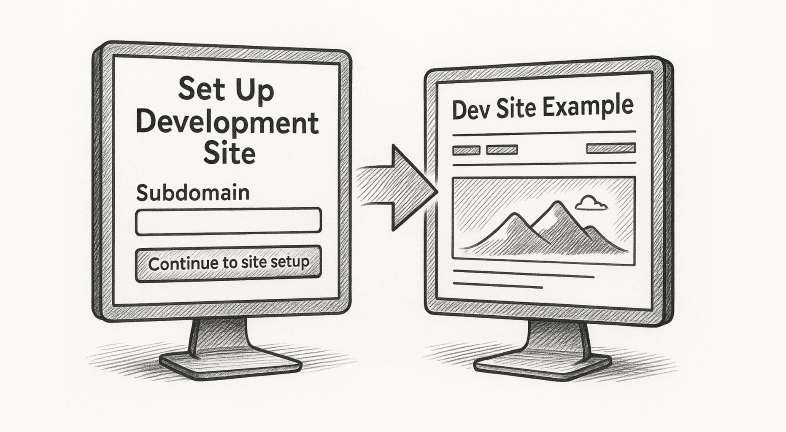
Step 1: Navigate to the Setup Page Go to: https://livebuilder.net/setup-dev-site-with-automation/ 🔒 Note: This page is password-protected.Use the following password to access the form: PageBuild When you sign in, you’ll see two forms on the same page: When you sign in, you’ll see two forms on the same page: Step 2: Start with the Subdomain Form…
Read MoreHow to Program the JJ Newsletter & Add It Online

The JamboJon newsletter has become a staple! It’s a branded landing page, a community connection tool, and a consistent reflection of our company as a go-to expert in website development and marketing. This article outlines the steps to take once the newsletter has been written, edited, and approved. Step 1: Start With WordPress Step 2:…
Read MoreHow to add a new user to FB and instagram

Go to Meta Business Suite on a computerhttps://business.facebook.com/ At the bottom left click on Settings A side menu will come up on the left side at the top it says “Users”choose “People”On the right side there is a blue button that says “+ Invite People” You must have the user’s email address that their social…
Read MoreHOW We Do Social Media at JamboJon
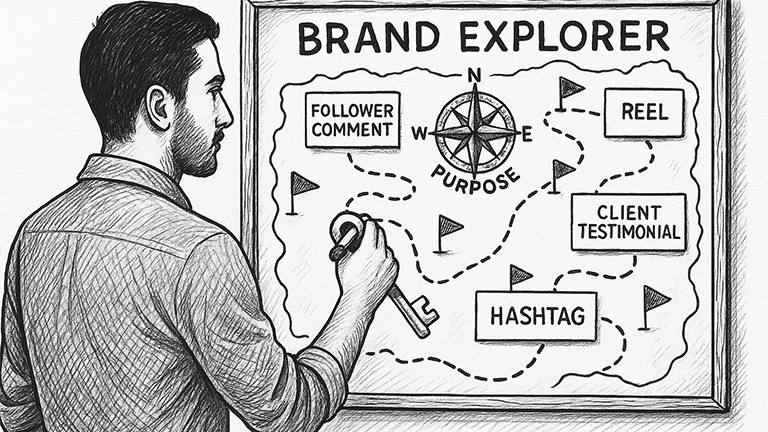
At JamboJon, we approach social media with a specific strategy: brand consistency and connection. We don’t post just to fill the space. Each post has a purpose. It reflects who we are, who we serve, and where we’re going. This guide will walk you through our platforms and planning tools. As you delve into the…
Read MoreSetting Up a Dev Site

Step 1 – Login to Livebuilder’s CPanel Step 2 – Create a New Subdomain Step 3 – Upload WordPress Step 4 – Create New Database Step 5 – Add User to Database Step 6 – Add Plugins and Themes Step 7 – Website Setup Step 8 – Backend Setup
Read MoreHow to Choose Stock Images that Fit Your Brand, Story, and Product

How to Choose Stock Images that Fit Your Brand, Story, and Product ᴭ The Big Truth “Stock images aren’t decorations — they are promises.” Every image you choose silently tells customers what to expect.Choose carefully! ✰ Quick Checklist for Choosing the Right Image 🏫 Brand Archetype Quick Guide Archetype Image Style Hero Bold, powerful, action-focused…
Read MoreAdding Theme and Tagline excerpt to Compass Newsletter page

Start at a Newsletter page, or create a new one Scroll down to Custom Fields. Select the “excerpt” option.Click the “Value” field.Type “<strong></strong><br/>”Switch to tab Taglines and Teasers – Google Docs”Copy the ThemeSwitch to tab Edit Page “October 2024” ‹ JamboJon — WordPress”Click the “Value” field. Paste the Theme in the center of the <strong></strong>…
Read MoreStorytelling Introduction

Storytelling Formulas – An Introduction The Power of Storytelling Formulas to Strengthen Your Brand Stories have captivated audiences for centuries. Whether told around a fire, printed in books, or woven into a blockbuster film, certain storytelling structures remain timeless. Why? Because they resonate deeply with human nature. These structures, known as narrative archetypes, or storytelling…
Read MoreHows and Whys of JJ Newsletter Strategy

JamboJon is elbowing its way through the gnarled world of digital communication with a proven newsletter strategy that not only connects with our audience, but also shares unique insights and inspires action. Why a Newsletter? Newsletters act as a powerful conduit, enabling us to bridge the gap between our company and our clients. In it,…
Read MoreHow to Connect Google Calendar to Teamwork

Google calendar on teamwork: Access ‘My Calendar’: Connect to Google Calendar: Teamwork to Google Calendar: Generate the iCal Feed in Teamwork: Add the iCal Feed to Google Calendar:
Read More